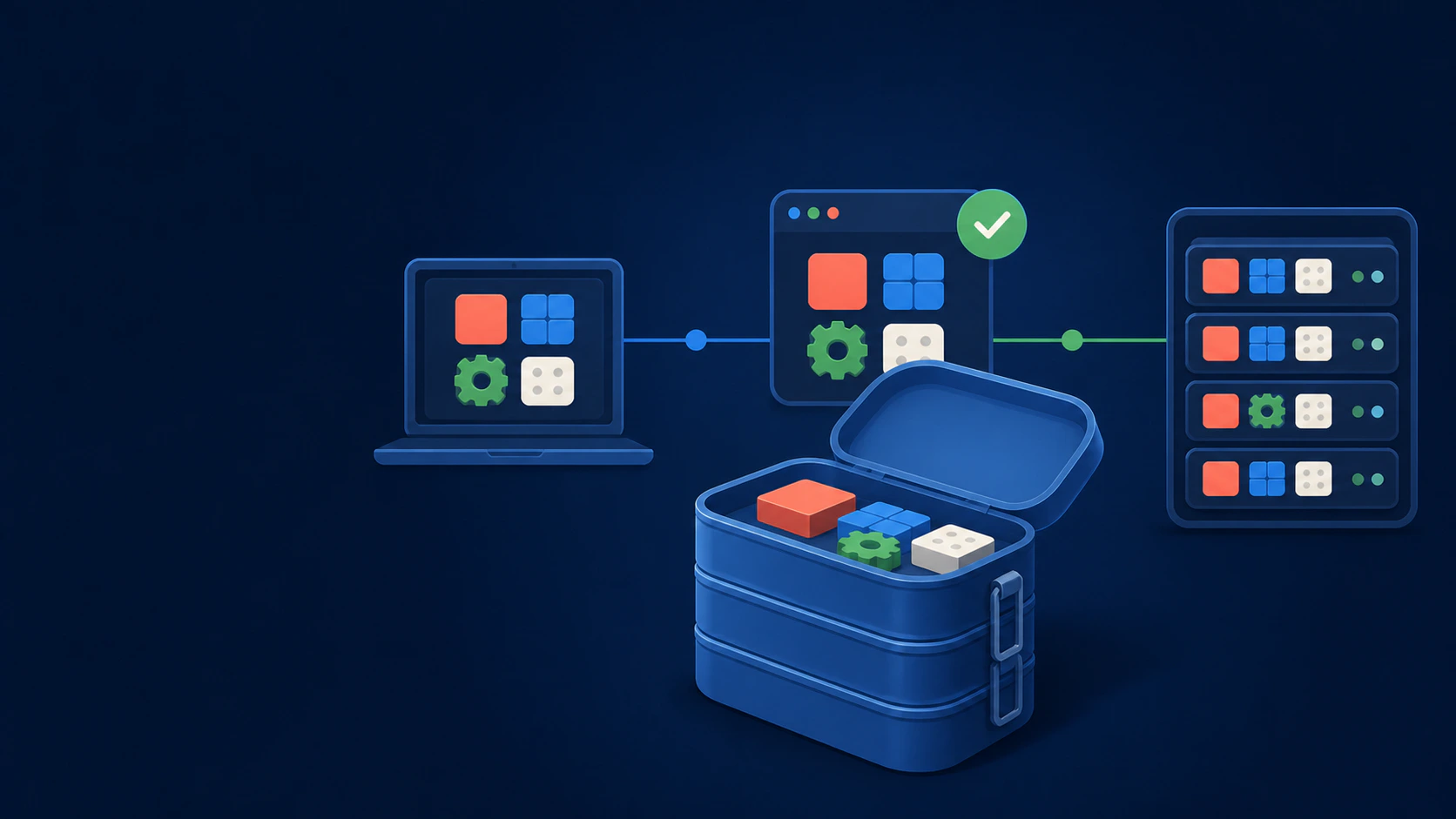
Containers for Business Success · Part 1 of 5
It is late afternoon. A small update works perfectly on the developer's laptop, but the live server rejects it because one library is older. The team starts comparing settings. The launch waits. Everyone hears the familiar sentence: “But it worked on my system.”
Containers can make that kind of surprise less common. They are a practical way to package an application and the software it expects, so the same release can move through development, testing and production more consistently.
For a business owner, the useful idea is simple: the application arrives with a clearer, repeatable operating setup instead of depending on somebody rebuilding that setup from memory.
So, what is a software container?
A container is an isolated process that runs an application from a packaged image. That image can include the application code, runtime, system libraries and other dependencies it needs.
A popular analogy is a labelled tiffin box. The meal and its ingredients travel together, so you are not hoping the destination kitchen has exactly the same recipe. The analogy is helpful, but not perfect. A software container still relies on its host for the operating-system kernel, computing power, networking and storage.
This is one reason containers are usually lighter than virtual machines. A virtual machine normally carries a full guest operating system. Multiple containers can share the host kernel while keeping their application processes separated.
What goes inside, and what stays outside?
The container image should hold the repeatable parts of the application: code, runtime and required packages. Things that change by environment should usually remain outside it.
- Configuration can be supplied separately for development, staging and production.
- Secrets such as passwords and API keys should be managed securely, not baked into the image.
- Business data needs persistent storage and a real backup plan.
- Logs and monitoring should remain available even when a container is replaced.
This separation matters. Containers are designed to be replaceable. Customer records, uploaded files and recovery copies should not disappear when one is recreated.
A business application, unpacked
Imagine an online store with a customer website, an API, a background order worker and a reporting service. Installing all four directly on one server can create tangled dependencies. Updating the reporting tool might change a library the API also uses.
With a well-designed container setup, each part can have its own packaged environment. The team can update the website without rebuilding the reporting service, or add more order workers during a busy period.
That separation is not automatic. The application still needs sensible architecture, reliable data handling and tested connections between services. Putting a poorly understood system into containers does not suddenly make it well designed.
What changes for the business?
When containers fit the problem and are operated well, they can make several everyday tasks more predictable:
- Releases: the tested image becomes the release unit, reducing environment drift.
- Recovery: a configured platform can replace an unhealthy container from a known image.
- Rollback: teams can return to an earlier image when the application and database changes allow it.
- Scaling: suitable services can run in more than one container when demand grows.
- Maintenance: dependencies for one service are less likely to disturb another.
- Handover: the operating setup is written down in configuration instead of living only in one person's head.
Notice the careful words: can, suitable and when operated well. A container does not guarantee zero downtime, lower bills or perfect security. Those outcomes depend on architecture, monitoring, backups, capacity planning and the people managing the system.
Docker helped popularise containers, but it is not the definition
Docker made container building and running approachable for many teams. It remains an important part of the ecosystem, but “Docker” and “container” are not interchangeable terms.
Open standards describe common image and runtime formats. Other tools can build or run compatible containers, while platforms such as Kubernetes coordinate many containerised workloads. The next article maps the names without turning the subject into alphabet soup: Docker Is Not the Whole Story.
Should every business application be containerised?
No. A simple brochure site on a well-managed platform may already be cheap, reliable and easy to update. Adding containers could create work without solving a meaningful problem.
Containers become more interesting when releases are inconsistent, several services need different dependencies, recovery is slow, environments keep drifting or demand changes enough to justify repeatable scaling.
Start with the operational pain, not the technology. Ask what is breaking, how often it happens and what a better outcome would be. Then decide whether a container is the right tool.
The one-sentence version
A container image packages the application and its runtime dependencies; a container is the isolated process running from that image.
It does not grow a business by itself. It gives the digital systems behind that business a cleaner foundation for change.
Further reading
- Docker Docs: What is a container?
- Kubernetes documentation: Containers
- Open Container Initiative overview
Containers for Business Success: Read in order
- Part 1: What Is a Container? A Plain-English Guide for Business Owners
- Part 2: Docker Is Not the Whole Story: A Simple Map of the Container Ecosystem
- Part 3: What Containers Actually Change for a Growing Business
- Part 4: Should Your Business Use Containers? A Practical Readiness Check
- Part 5: How Marketpreneurs Works as a Managed Container Service