Containers for Business Success · Part 3 of 5
Picture an online shop preparing for a Diwali campaign. Traffic may jump, a pricing update must go live on time, and nobody wants to rebuild a server while customers are trying to pay.
Containers can help the team prepare a tested application image, run more suitable instances when demand rises and return to an earlier image if a release fails. That is useful. It is also only part of the story.
The database, payment provider, network and support process must cope too. A container is a strong operating tool, not a magic shield around the business.
Benefit 1: fewer environment surprises
Without a repeatable package, development, testing and production servers slowly become different. Somebody updates a runtime on one machine. Another machine keeps an old library. A manual fix is made during an incident and never written down.
A container image records much of the application's expected software environment. The same version can move through testing and production on compatible infrastructure. This does not remove every difference, but it makes differences easier to see and control.
The business result is less time spent recreating environments and a clearer answer to the question, “What exactly did we release?”
Benefit 2: controlled releases and rollback
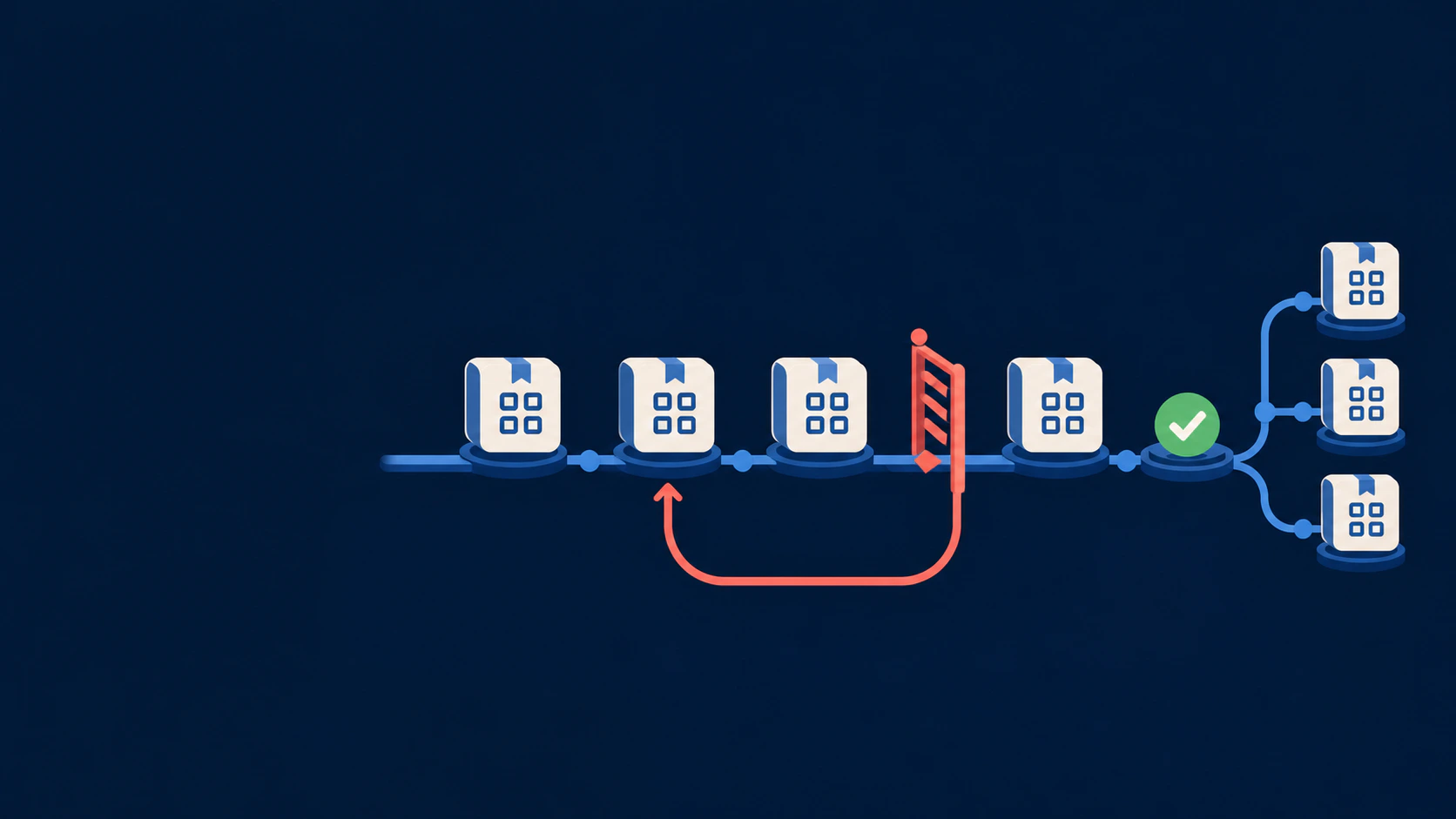
Digest-pinned images or controlled version tags give teams a defined release unit. They can deploy a new version gradually, observe it and replace it if checks fail.
Rollback still needs planning. If a release changes the database in a way the old application cannot understand, simply starting the old image may not be safe. Good teams plan application and data changes together, keep recovery copies and practise the rollback before an emergency.
Containers make controlled release patterns easier to implement. They do not make every change reversible.
Benefit 3: replace an unhealthy instance
A container is meant to be replaceable. If an application process stops responding, a platform can remove that instance and start another from the known image.
This behaviour is often called self-healing. The term sounds more intelligent than it is. The platform is replacing a failed process; it is not fixing a software bug, recovering corrupted records or explaining why the incident happened.
Monitoring, logs and people are still needed to find the cause.
Benefit 4: scale the right parts
Suppose the campaign creates a queue of order-confirmation jobs. The team may be able to run more worker containers without copying the entire application stack. When the queue settles, it can reduce them again.
Scaling works best for services designed to run in multiple replaceable instances. It also needs an orchestrator or managed platform configured with rules and enough capacity.
Adding ten website containers will not help if every request waits on one overloaded database. Good scaling finds the bottleneck before multiplying anything.
Benefit 5: cleaner separation
A website, API, scheduled worker and reporting tool may need different software versions. Packaging them separately reduces dependency collisions and lets teams update one part without reinstalling everything else.
Separation also creates boundaries for resources and access. A worker can receive only the permissions and memory it needs. Those controls must be configured; a default container is not automatically a secure container.
Benefit 6: better use of infrastructure
Containers share the host kernel, so a machine can often run more containerised workloads than full virtual machines. This can improve resource use, especially when many small services would otherwise each need their own operating system.
It does not mean the monthly bill always falls. A managed cluster, monitoring stack, data transfer, licences and specialist support can cost more than a simple server. The right comparison includes people and operational risk, not only CPU and memory.
Benefit 7: a clearer handover
Business applications sometimes depend on one developer who remembers the exact install order and the one command that restarts everything. A container definition, deployment configuration and operating guide turn more of that knowledge into something repeatable.
Documentation can still be incomplete, but the starting point is stronger. A new team can see image versions, environment variables, ports, volumes and service relationships instead of reverse-engineering a hand-built server.
Four promises containers cannot make
- “It runs anywhere.” It can run consistently across compatible environments. Operating system, processor architecture, storage and external services still matter.
- “It is secure by default.” Images, hosts, permissions, secrets and networks all need hardening and patching.
- “It scales automatically.” The application must support scaling, and a configured platform must perform it.
- “It is always cheaper.” Cost depends on workload, platform and the effort required to operate it well.
Measure the change like a business decision
Before containerising an application, record the current position. Useful measures include:
- time needed to prepare a test environment
- release frequency and failed-release rate
- time needed to restore service
- incidents caused by dependency or configuration drift
- infrastructure use during normal and peak periods
- hours spent on manual deployment and recovery
Review the same measures after the change. If containers add a new platform but do not improve a meaningful outcome, the project needs adjustment.
The honest business case
Containers are valuable when they turn fragile, person-dependent operations into a more repeatable system. They can give a business safer release options, faster recovery paths and more flexible capacity. Before investing, use our practical container readiness check.
The benefit comes from the complete practice around them: well-built images, externalised data, secure configuration, monitoring, tested backups and someone accountable for operating the service. Our guide to managed container services shows how that ownership can be defined.
That is less dramatic than “transform everything with containers.” It is also much closer to how reliable systems are built.
Further reading
- Kubernetes documentation: Self-healing
- Docker documentation: Storage
- Docker documentation: Security
- Docker documentation: Multi-platform builds
Containers for Business Success: Read in order
- Part 1: What Is a Container? A Plain-English Guide for Business Owners
- Part 2: Docker Is Not the Whole Story: A Simple Map of the Container Ecosystem
- Part 3: What Containers Actually Change for a Growing Business
- Part 4: Should Your Business Use Containers? A Practical Readiness Check
- Part 5: How Marketpreneurs Works as a Managed Container Service