Containers for Business Success · Part 2 of 5
Container conversations can become confusing very quickly. One person says Docker. Another says Kubernetes. A vendor adds Podman, containerd, ECS and OpenShift to the slide. Soon, a sensible business question sounds like a bowl of technology alphabet soup.
The confusion comes from treating every name as if it does the same job. It does not.
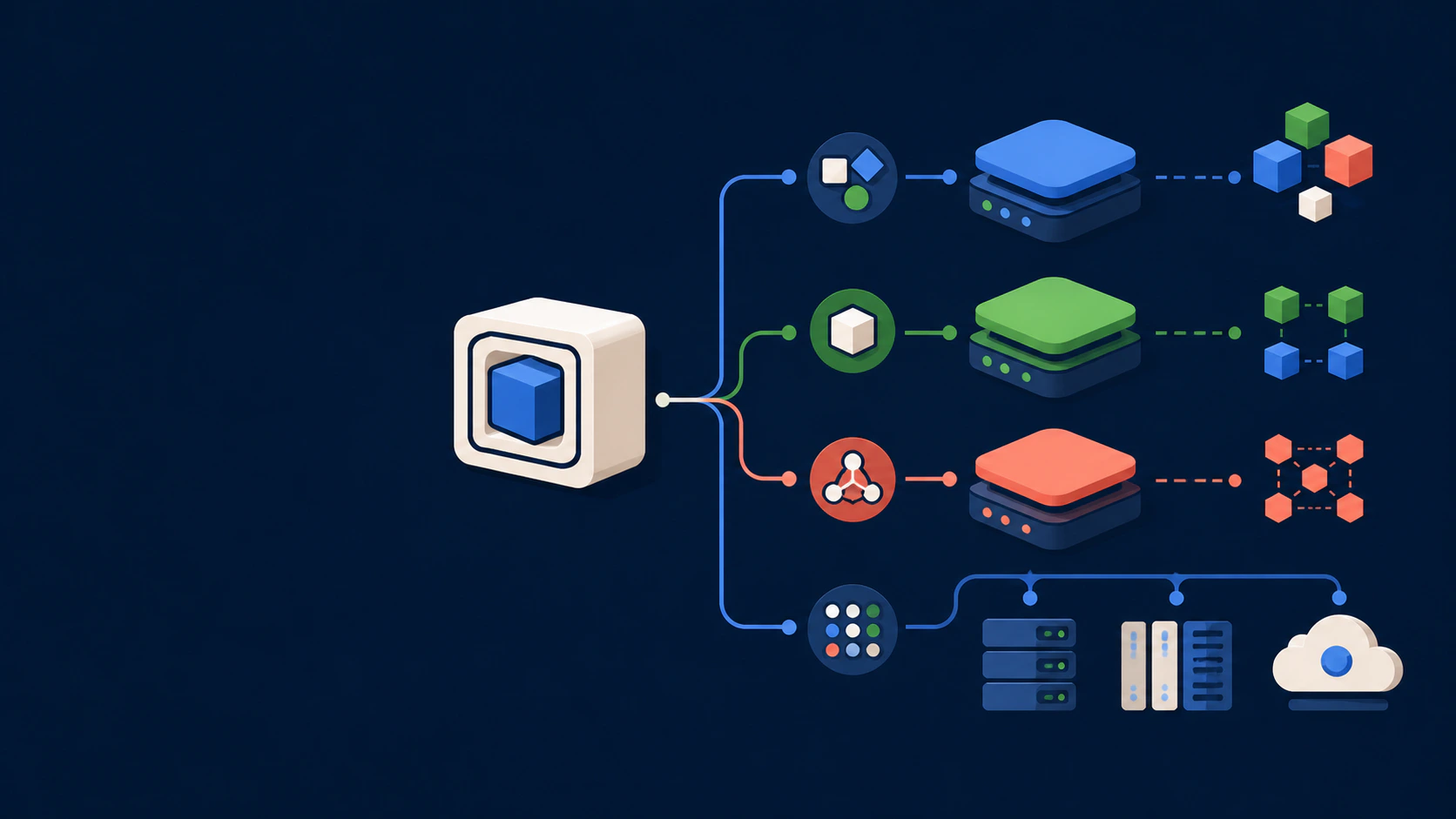
Think of the container ecosystem as a set of layers. Some standards define the packaging rules, some tools build and run containers, some platforms coordinate hundreds of them, and some services provide a managed place to operate everything.
First: container is the idea, Docker is a toolset
A container image packages an application and its runtime dependencies; a container is the isolated process running from that image. Docker is a popular collection of tools for building images, sharing them and running containers.
Docker made the workflow accessible, which is why its name became shorthand for the whole subject. But a business can use containers without using every Docker product, and a container image can often be handled by other standards-compatible tools.
If the basic idea is still new, begin with our plain-English guide to containers for business.
Layer 1: the common rules
The Open Container Initiative (OCI) maintains open specifications for container images, runtimes and distribution. These common rules help different tools understand the same packaging formats.
For a business, standards are useful because they reduce unnecessary dependence on one tool. They improve portability, although they do not make every application instantly portable. Processor architecture, storage, networking and cloud-specific services can still differ.
Layer 2: tools people use to build and run containers
Docker
Docker provides a familiar developer and operator workflow. Teams can define an image, build it, run it and share it through a registry. Docker Engine uses containerd for parts of the container lifecycle behind the scenes.
Podman
Podman is another container engine. Its command-line experience is intentionally familiar to Docker users, and it can run containers without a long-running central daemon. It is Linux-native and prominent in Red Hat's container toolchain.
These tools overlap, but the choice is not a brand contest. Existing skills, operating systems, security requirements, support expectations and the target platform all matter.
Layer 3: the runtimes under the platform
containerd
containerd manages core container lifecycle work such as transferring images, starting and stopping containers, and managing storage and network attachments through integrations. It is widely used underneath higher-level platforms.
CRI-O
CRI-O is a container runtime built for Kubernetes and its Container Runtime Interface. Its focus is narrower: help Kubernetes run OCI-compatible containers.
Most business owners will never operate these pieces directly. They matter because the visible platform often depends on them, just as a customer uses an online store without choosing its web server.
Another branch: system containers
LXC and Incus can run system containers that feel closer to lightweight Linux machines. They can host a fuller operating-system environment while still sharing the host kernel. This is a different use case from packaging one application process, but it belongs on the wider container map.
Layer 4: orchestration
Running one container is easy. Keeping dozens or thousands healthy across machines is a different job.
Kubernetes is an open-source orchestration system. It can place workloads on available machines, replace failed instances, roll out changes, expose services and adjust capacity when configured to do so.
Amazon Elastic Container Service (ECS) is AWS's managed container orchestration service. It can run workloads on customer-managed EC2 capacity or through AWS Fargate, where AWS manages more of the underlying server capacity.
An orchestrator does not repair bad application logic or guarantee a smooth release. Health checks, resource limits, data design and deployment rules still have to be correct.
Layer 5: platforms and management layers
Some products package orchestration with developer workflows, security controls, governance and operational tooling.
- Red Hat OpenShift is an enterprise application platform built around Kubernetes.
- Rancher helps teams manage Kubernetes clusters across different environments.
- Cloud Run and Azure Container Apps are examples of managed services that let teams run suitable containerised applications while the provider hides much of the cluster work.
These are not automatically better or worse than operating containers on a single server. They solve different levels of complexity.
What should a business choose?
Begin with five plain questions:
- How many applications or services need to run?
- How often do they change?
- How much traffic variation and downtime risk exists?
- What skills can the team or managed provider support reliably?
- Which security, location, compliance and budget constraints apply?
A small application may need Docker Compose or a Podman-based stack on one well-managed virtual server. A growing product may benefit from a managed container service. A large organisation with many teams and strict platform controls may justify Kubernetes or OpenShift.
Choosing Kubernetes for a two-container website because it sounds modern is like hiring an airport control tower to manage a private driveway. Impressive machinery does not make the journey simpler.
Ask about the operating model, not the logo
When a provider proposes a container platform, ask:
- Who patches the host and the platform?
- Who monitors applications after office hours?
- Where do logs, secrets and backups live?
- How is a failed release rolled back?
- What happens if the provider changes?
- Can the team explain the monthly cost in plain language?
The strongest choice is the least complex setup that meets the real reliability, security and growth needs while remaining supportable.
Docker may be the best-known name, but the business value comes from a complete operating model around the application: clear packaging, sensible deployment, monitoring, recovery and accountable support.
Further reading
- Open Container Initiative overview
- Docker Engine documentation
- Podman documentation
- containerd documentation
- CRI-O project
- LXC introduction
- Incus: Containers and virtual machines
- Kubernetes concepts
- Amazon ECS
- Red Hat OpenShift overview
- Rancher Manager overview
Containers for Business Success: Read in order
- Part 1: What Is a Container? A Plain-English Guide for Business Owners
- Part 2: Docker Is Not the Whole Story: A Simple Map of the Container Ecosystem
- Part 3: What Containers Actually Change for a Growing Business
- Part 4: Should Your Business Use Containers? A Practical Readiness Check
- Part 5: How Marketpreneurs Works as a Managed Container Service