A small business may handle every WhatsApp conversation from one phone. A growing company may need several sales and support employees to respond at the same time. Both use WhatsApp, but they need very different operating setups.
The right choice depends on conversation volume, team size, required integrations and the customer experience you want to deliver. This guide supports the wider Marketpreneurs WhatsApp marketing strategy.
When the WhatsApp Business App Is Enough
The WhatsApp Business app is a practical starting point for an owner or small team managing a limited number of conversations directly.
It can support a business profile, greeting and away messages, quick replies, labels and a product catalogue. These features help organise common enquiries without introducing a large technology stack.
The app can be enough when:
- one person or a small team owns customer communication
- message volume is predictable and manageable
- manual follow-up remains reliable
- complex CRM or reporting integration is not required
- customers can receive timely answers during stated working hours
The important question is not whether the app has every possible feature. It is whether the current process consistently serves the customer.
Signs the Manual Process Is Breaking
Growth usually creates small warning signs before it creates a major failure. Messages remain unread, two employees answer the same customer, enquiry details are lost or the customer must repeat information after being transferred.
A business may need a more scalable setup when:
- several agents need shared access
- leads must be assigned to specific teams
- response times vary widely
- conversation history needs to appear inside a CRM
- routine order or appointment updates should be automated
- management needs clear performance reporting
Moving too early can create unnecessary cost and complexity. Moving too late can damage the customer experience. Use the operational problem, not company size alone, to guide the decision.
What the WhatsApp Business Platform Changes
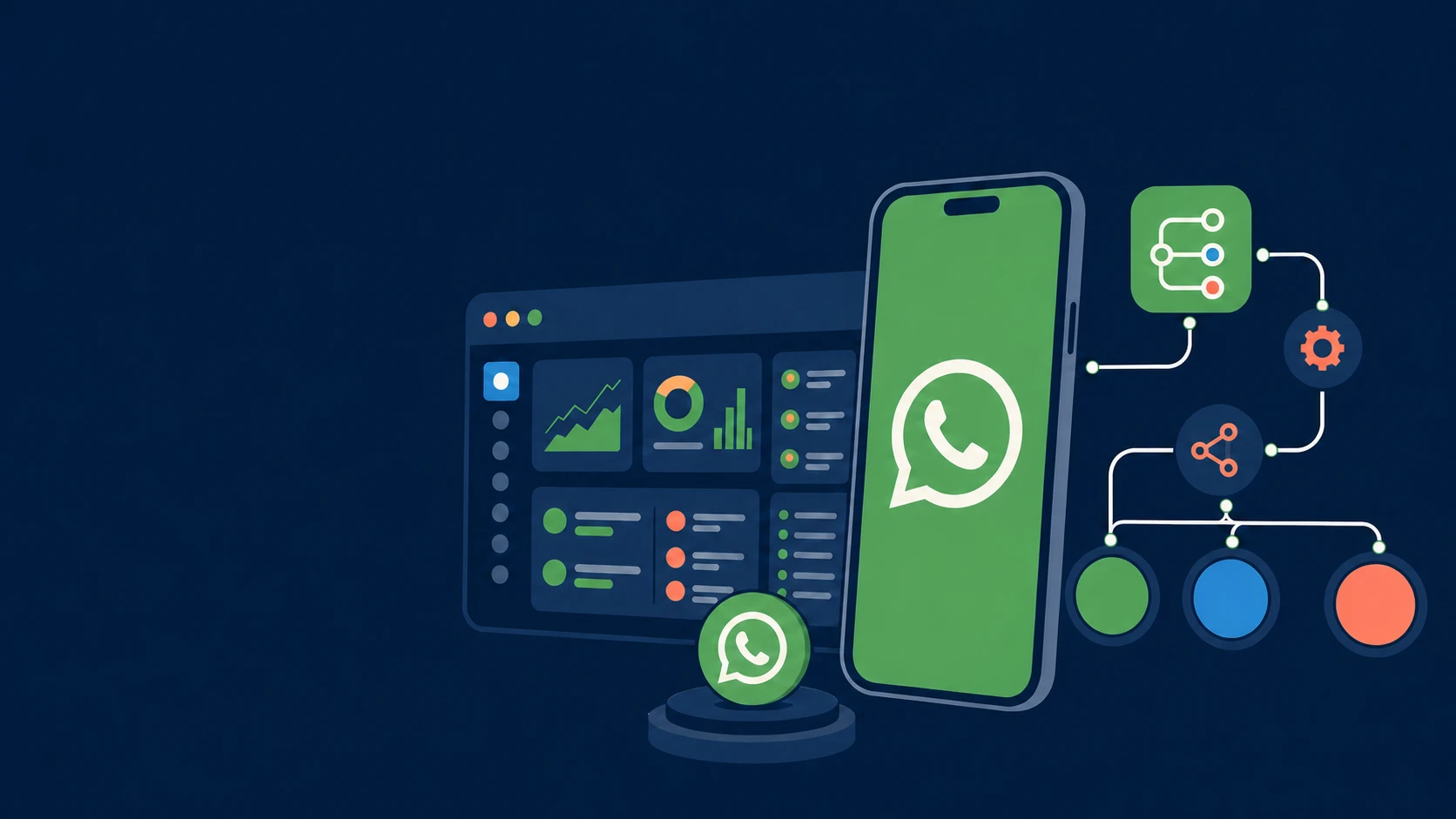
The WhatsApp Business Platform, often called the WhatsApp Business API, allows WhatsApp conversations to connect with business systems. Instead of relying on one device, a company can build a shared workflow for sales, service and notifications.
Depending on the chosen setup, this can support:
- multi-agent inboxes
- automatic conversation routing
- CRM and customer-support integration
- approved message templates
- chatbots and self-service flows
- order, booking and service notifications
- conversation reporting and quality review
The platform is an integration layer, not a ready-made strategy. Businesses still need to decide how customers enter the channel, who owns each type of enquiry and when automation should hand control to a person.
Use Automation for Repetition
Automation is valuable when a task is predictable. A bot can acknowledge a new message, ask what help is needed, answer a common question, collect a reference number or share an order status.
Good automation reduces waiting without hiding the business behind a menu. It should:
- use clear and natural language
- ask only for information needed at that step
- remember answers already provided
- offer a human route for complex or sensitive issues
- set an honest expectation when a person is unavailable
The aim is not to automate every conversation. It is to remove repetitive work so employees can focus on judgement, empathy and problem solving.
Design the Human Handover
A handover is successful when the customer reaches the right person with the earlier context intact. The agent should see the customer's request, bot responses and any useful CRM record before replying.
Define clear handover triggers. These may include a customer requesting an agent, repeated misunderstanding, a complaint, a high-value enquiry or a case that falls outside the automated flow.
Ownership also matters. Every transferred conversation should have a team, priority and expected response time. Otherwise, automation only moves the waiting problem to a different queue.
Plan Data and Consent Before Launch
Integration can connect conversation data with sales and support systems, but access should be limited to what teams need. Decide which details are stored, how long they remain useful and who can view them.
Business-initiated marketing also needs clear customer permission and a simple way to opt out. Build these rules into the workflow before campaigns begin. Our WhatsApp consent and trust guide covers the customer-facing principles.
A Practical Setup Checklist
- Map enquiry types and current response problems.
- Choose whether the app or Platform fits the actual volume and team.
- Assign owners for sales, support and operational updates.
- Connect only the systems needed for the first working journey.
- Automate repetitive steps and define human handovers.
- Test with real scenarios, including mistakes and opt-outs.
- Measure response time, resolution, conversion and customer feedback.
Start with one complete customer journey rather than many unfinished workflows. A booking confirmation flow that works reliably creates more value than a large bot that cannot resolve basic questions.
Scale the Service, Not Just the Message Count
The WhatsApp Business app and Business Platform serve different stages. The app supports direct owner-led communication; the Platform supports coordinated communication across systems and teams.
Whichever setup you choose, keep the customer experience as the deciding measure. Technology should make the business easier to reach, not make a simple question harder to answer.